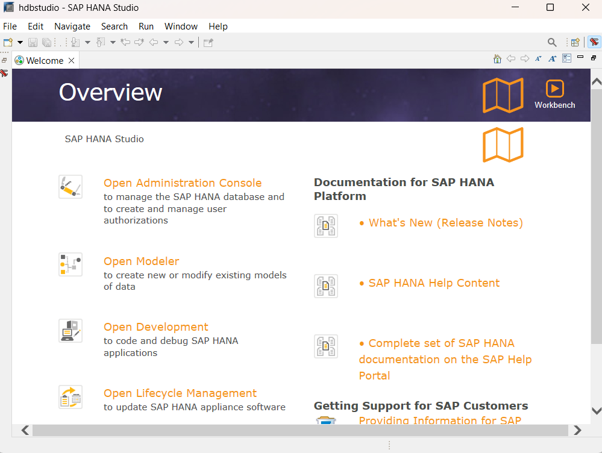
Install Hana Studio
Download Hana Studio using this link- 📥 Download HANA Studio
After the download is complete, the following screen will appear.
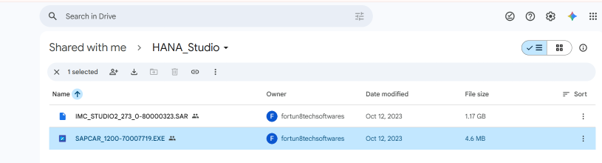
Download both IMC Studio and SAPCAR.exe files.

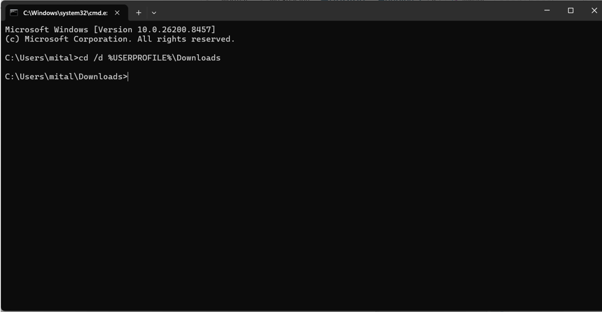
After downloading the files, open Command Prompt, enter the command shown below, and press Enter.
cd /d %USERPROFILE%\Downloads:
Now enter the following command and press Enter to extract the IMC Studio package:
SAPCAR_1200_70007719.EXE -xvf IMC_STUDIO2_273_0-80000323.SAR
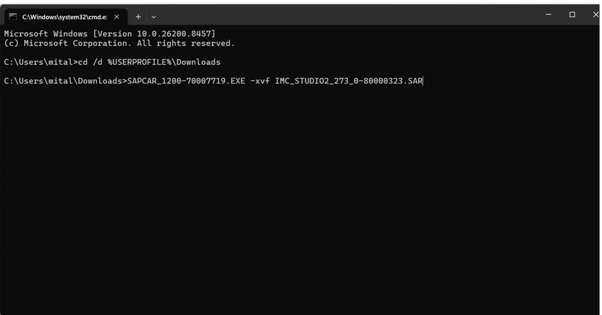
Press Enter and wait for approximately 5 minutes while the extraction process completes.
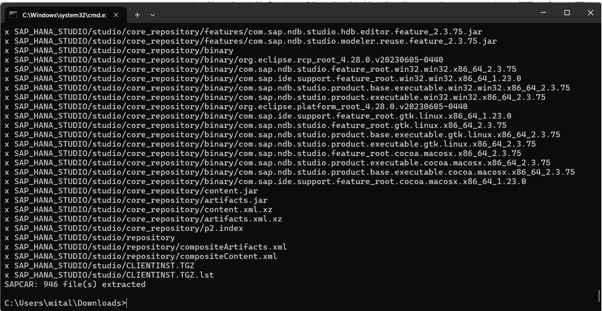
After the extraction is complete, verify that the SAP_HANA_Studio folder has been created in your Downloads folder.

Double-click the SAP_HANA_Studio folder. The following screen will appear.

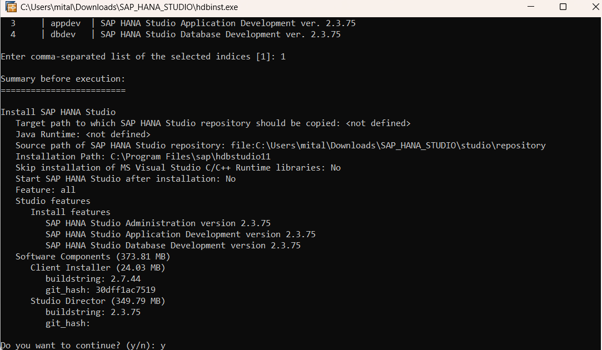
Now, double-click the hdbinst file. The following screen will appear.
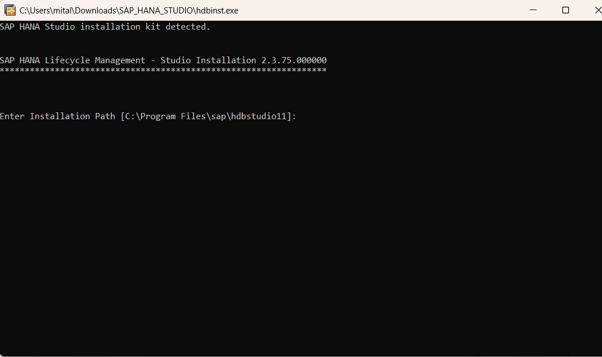
Press Enter to continue.
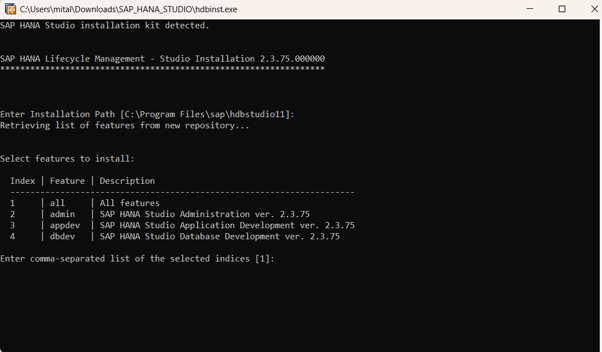
Enter 1 to install all features, then press Enter.
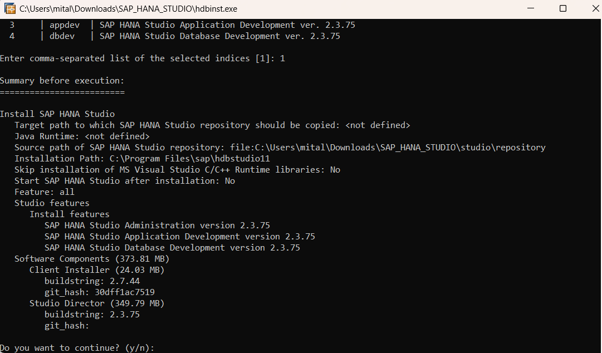
When prompted with "Do you want to continue?", enter Yes and press Enter.
The SAP HANA Studio icon will now appear on your desktop. Double-click the icon to launch SAP HANA Studio.
The following screen will appear, indicating that the installation has been completed successfully.