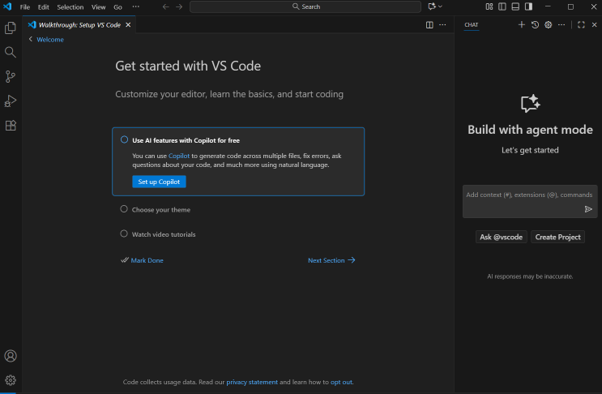
Install VS code
Download VS Code using this link- Download VS Code
After downloading the setup file, double-click it to start the installation process.

Select the "I Accept the Agreement" option and click Next to continue.
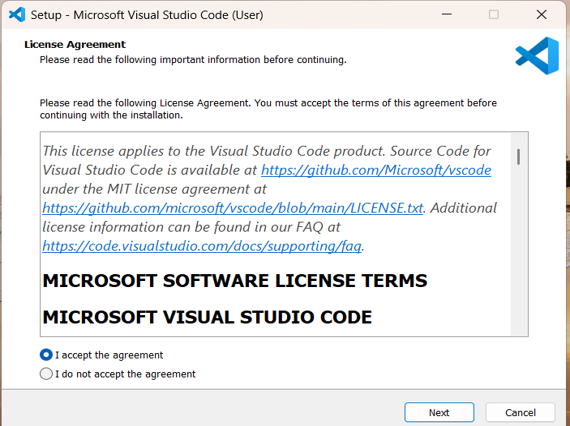
Click Next to continue.
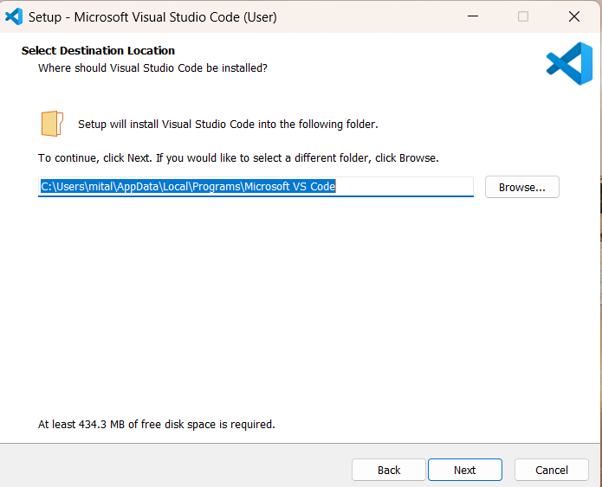
Click Next to continue.
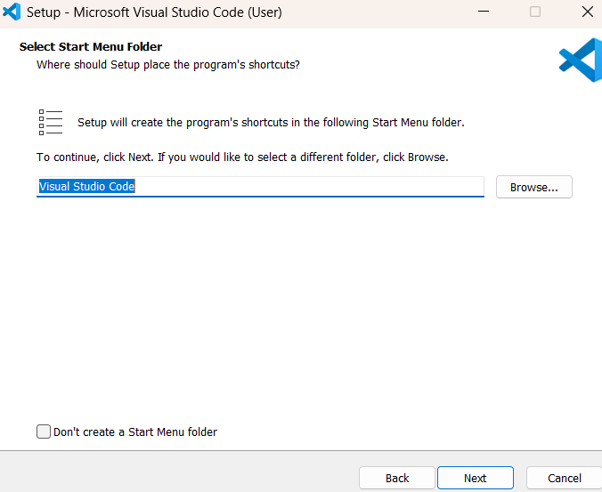
Click Next to continue.
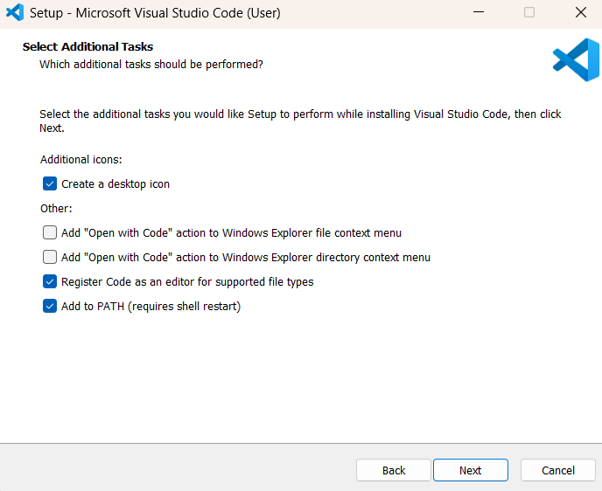
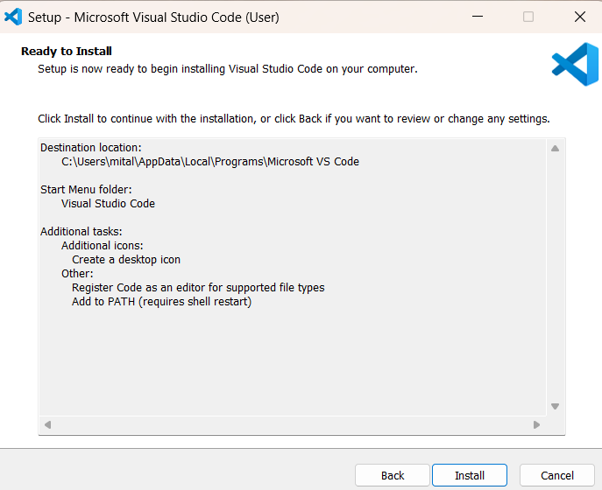
When the "Ready to Install" screen appears, click Install.
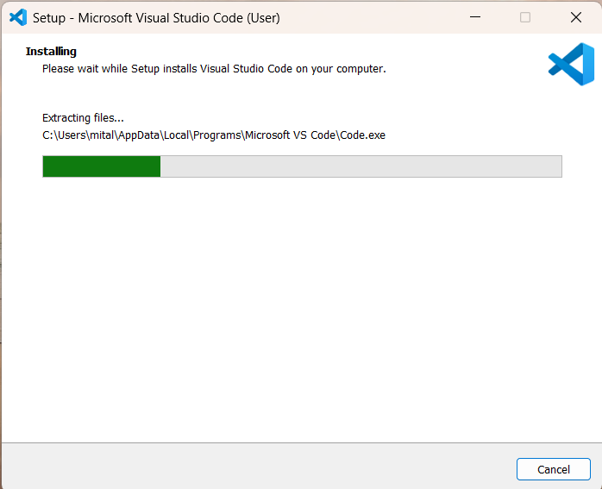
The installation is in progress.
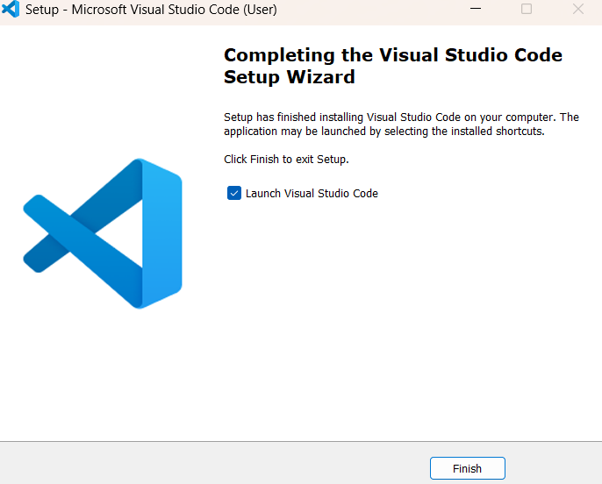
Setup completed successfully. Click Finish and verify that the application icon appears on your desktop.
Visual Studio Code Home Screen